What is google plays app? If you are an Android operating system user, you are certainly no stranger to the name Google Plays. This is an indispensable application on every Android user's phone. So do you know all the roles and features of Google Plays? Let the user guide answer your question “What is Google Plays??" Please!
1. What is Google Plays?
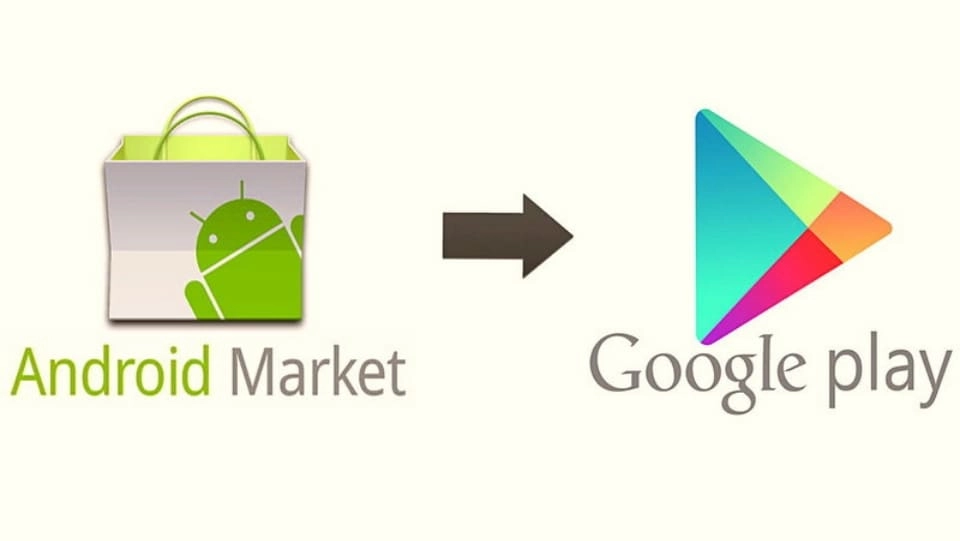
Before knowing what Google Plays is, you should know that the application was originally called Android Market, later changed to Google Play, also known as Google Play Store. In Vietnam, this service is called Play Store (CH Play). This is a distribution and download platform for applications for the Android operating system operated by Google.
Applications on the Google Play app are currently divided into 2 categories:
- Free App: You can download applications from Google Play completely free of charge, without paying any fees. But the downside is that most applications like this lock the most advanced features. Therefore, if you want to experience the best application, you still need to pay the app owner some money.
- Paid apps: Apps about movies, books, stories, or some high-end copyrighted games on Google Play will often have a fee. Users will have to pay an amount of money given by the seller to be able to download and use that application on their phone. Depending on each app, there will be a free trial period of several days, months, or none.
See more.
- What is google plays app? Is installation necessary?
- Simple ways to create a Google Ads account for newbies
- What outstanding features does Google Translate have that are difficult to replace?
2. Google Plays services you may not know
Maybe you don't understand what Google Plays is, but it's certain that you've used many of its services.
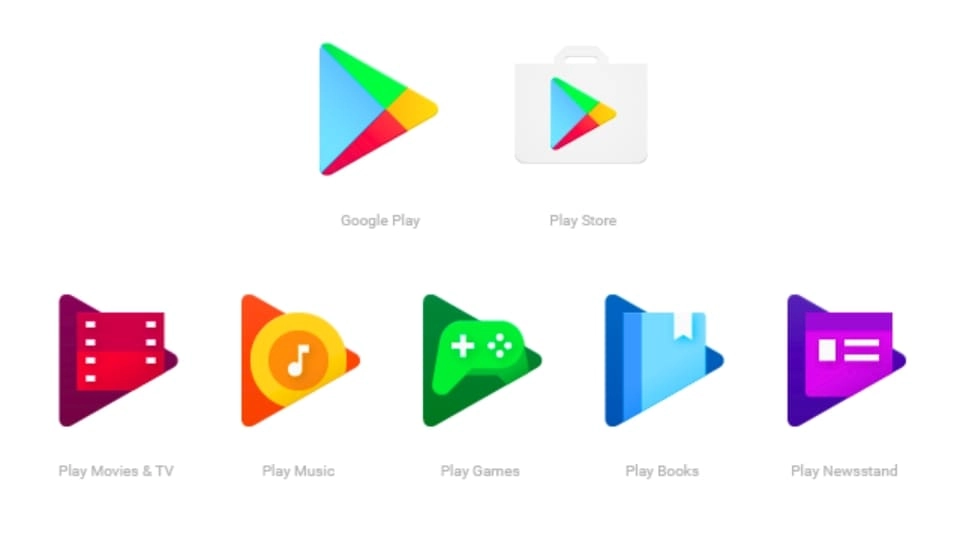
- API Service: API's full name is Application Programming Interface. Simply put, this is a software that helps connect programs and operating systems. All Google Play services provide thousands of APIs that are continuously updated, so Google Play will bring a smooth and high-quality experience to users.
- Google Play Game Services: This service helps people relax by playing games, creating leaderboards, and competing for achievements with other players. This application is designed for Android and iOS to help connect many players at the same time.
- Google Mobile Ads: Can integrate ads and display right on the web browser,...
- Google+ Platform: Stores and allows you to use your Google account to log in to many applications on your phone.
- Google Play Music: Provides a diverse online music store with many music genres for users to choose from.
- Google Play Books: There are more than 4 million books for book buyers to read even offline (without the Internet).
- Google Play Newsstand: Helps users buy magazines in some countries such as the US, UK, Australia, Canada.
- Google Play Movies: Bringing you many hot movies right now with all genres such as: horror movies, documentaries, romantic movies,...
- Google Play Store: Allows users to browse and download apps from any publisher on Google Play.
3. Simple Google Plays installation
Install Google Play via phone
What is Google Plays? How to install Google Play on my phone? If you are wondering this, follow these steps:
Step 1: Enable feature Unknown Sources (used when the application needs to be installed from an unknown source, not available in the Google store). Do it by: Open Settings > Security > Unknown Sources.
Step 2: Use a web browser to access the forum XDA Developers good APK Mirror to download the latest version of Google Play (CH Play).
Step 3: May warn: “This type of file can harm your device” will appear. However, you can rest assured because the Android operating system only gives this notice to applications that do not appear in Google.
Step 4: Open the file APK Google Play has just finished downloading, you should read the terms of service there before clicking Install.
Download Google Plays to your computer
What is Google Plays? Can I download Google Plays to PC, Win7, Win8, Win 10, Laptop Win XP for free? The answer is "Yes"! But you must go through the Android emulator software BlueStacks.
Step 1: You access the website bluestacks.com, download the BlueStacks installation file to your computer.
Step 2: Open the downloaded installation file, click select Install Now to proceed with the installation of BlueStacks.
Note: In the installation step on your computer, you should select the Bluestacksh installation folder by clicking Customize installation to change the installation path link. Additionally, instead of leaving the default drive C:\ProgramData\BlueStacks, you can change it to another drive, for example: D:\Bluestacks.
Step 3: After completing the installation, click select Complete.
Step 4: Next, BlueStacks software will automatically install CH Play so users can log in.
Step 5: Login required Google account before logging into CH Play.
Step 6: After completing the login step, you will receive a notification with the following content You have successfully logged in > Select next Start using BlueStacks to start using Google Plays.
>>Learn more about Advertising services for your business to boost sales:
- Cheap and effective Facebook Advertising service
- Cheap quality Google Ads service
- Cheap, professional Tiktok Advertising service
4. How to download applications on Google Plays?
To download the application on Google Plays, you only need to spend about 1 minute to do a few simple steps as follows: Open the application > Click on the search bar and type the name of the application you want to download > Surf and select the correct one. that application (note the name and icon of the app) > Select Download is complete.
Once Google Plays has been successfully downloaded to your device, you will see it appear on the phone screen Menu. Now you can touch the app and you can use it.
5. Answers to common problems with Google Plays
Why does using Google Play services drain battery?
This happens because it manages and connects to most features on phones using the Android operating system. Therefore, applications are required to operate continuously, leading to battery drain on the device. You can refer to some solutions to limit this problem as follows:
- Regularly update Google Play Services.
- Delete unused Google accounts.
- Avoid using GPS when not absolutely necessary.
Is it possible to fix the Google Play services stopped error?
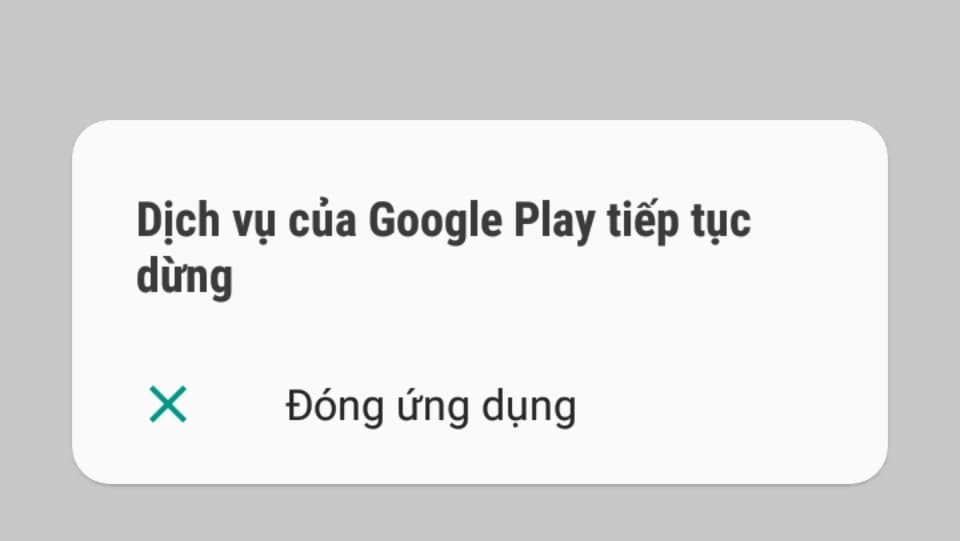
If your phone reports the error “Sorry! "Google Play Services has stopped" then don't worry too much because this error can be completely fixed. In fact, there are quite a few people who have this error and they have the same difficulties as you during use. To fix this error, you can do one of the following:
- Update Google Plays and services again.
- Turn off the power, restart the phone.
- Change Wifi network to 3G, 4G mobile data,... or vice versa.
Can Google Play be deleted?
You cannot delete the CH Play app, but you can still turn it off and not use it. But sincere advice is that you should not turn off the application because it can affect other applications, causing them to function abnormally.
Which Android versions can update Google Play services?
From 2018, Google Play Services will not be supported on Android version 4.0. This means that Android 4.0 operating system phones cannot update Google Play Services. So you can install ROM Customize or use sideload for replacement.
Conclude
No one can deny the important role of Google Plays with the Android operating system. Google Plays provides many applications on all platforms from watching movies, listening to music, playing games, reading books,... to help make our lives more convenient. Now do you understand what Google Plays is and its importance?
If you are a seller and want to quickly increase orders, please contact us at 5SMedia. With service Google advertising, Facebook advertising, Tiktok advertising reach people with the right needs. We guarantee that your orders will sell like crazy. At cost Google advertising, Facebook advertising Extremely preferential from only 5%. You will meet with consultants 24/7, support image design, scripting, and strategies to run ads.
View article origin
Address: 05 Thanh Thai, Ward 14, District 10, Ho Chi Minh City
Hotline: 0965 165 166 or 0888 768 115
Fanpage: https://fb.com/5SMedia.net
Tiktok: https://tiktok.com/@5SMedia.net
Twitter: https://twitter.com/5SMedianet
Youtube: https://youtube.com/@5SMedianet
Email: infohowto.edu.vn@gmail.com