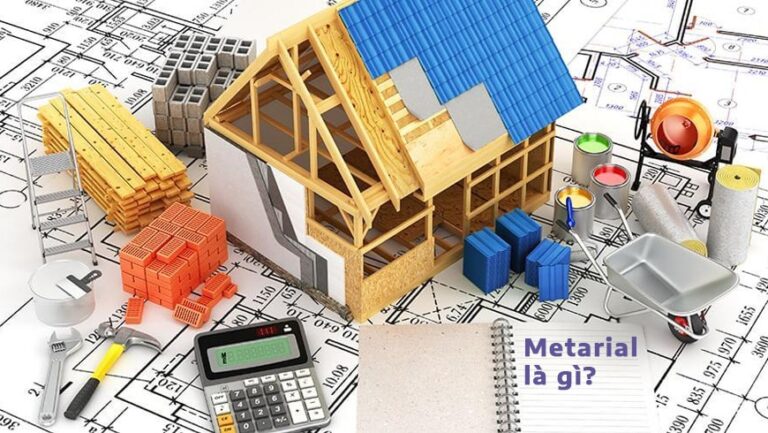
Are you studying design? Are you learning the term Material? In this article, Learning Graphics Accelerated will introduce to you the concept of Material? Applications of Material in the field of design that you need to know. Let's find out together what the term Material is.
What is Material? Material application in the field of design
What is Material?
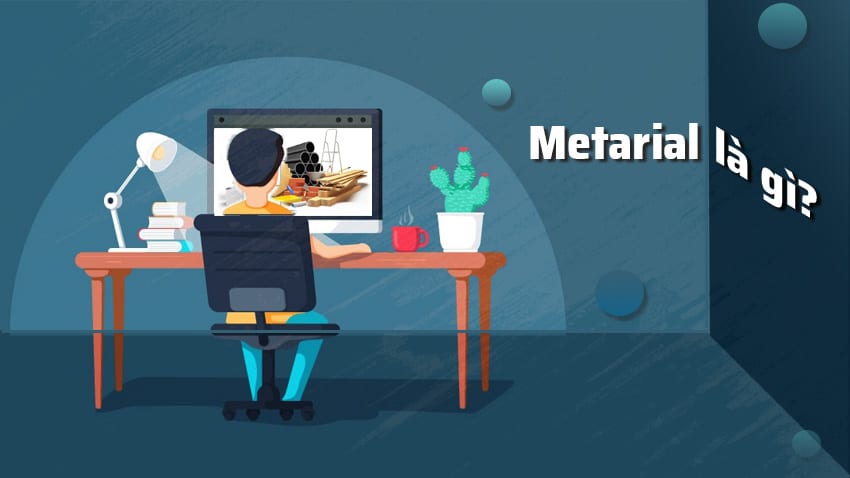
Material term is a design style that Google introduced this concept in 2014 and is also called "Google Material Design".
Material creates a visual language for customers thanks to classic principles of design. At the same time combining the potential and innovation in technology and science.
Material focuses on simplicity and striking colors for the interface. It becomes bright and attracts the user's vision.
Based on that, Marterial has developed into a unique system that allows you to experience on all 3 platforms: phone, tablet and computer.
[note]
- What are posters? 9 Tips for designing beautiful, quick Posters
- Combo graphic design course make materials
- What is texture? Site to get free textures
- What is concept? 10 fields that frequently use concepts
- What is profile? How to create a professional profile
- What is a portfolio? Professional portfolio
- What is typography? Rules for designing fonts in typography
[/note]
Application of Material in the field of design
To be able to recognize Material in the field of design is not too difficult. Here are some of the most popular Material apps today:
1. Color
The characteristic of Material Design is the use of many different colors to highlight the background page. Color arrangement is also quite important because it can affect the result of the design.
2. Symbols
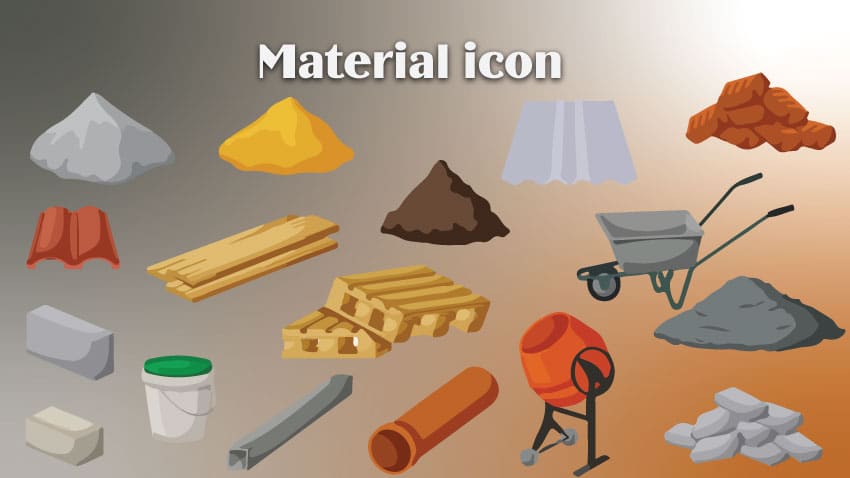
Software that has a flat and simple icon often uses Material Design. Large round button right in the corner so users can easily access and execute their commands.
3. Interface
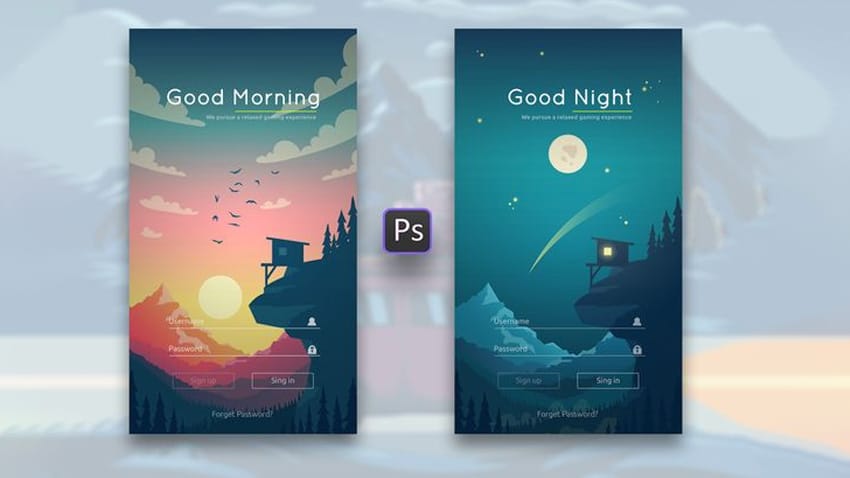
The interface will usually be designed according to the available background color and will not have color changes such as Menu icons or text, etc.
4. Effects
Material's motion effects are quite simple and easy to understand, making users feel comfortable and at ease.
Some Material-style design applications include:
– Google application suite: Gmail, Calendar, Google maps,..
– Evernote, Epay, Laban Key,..
What is Material? Basic elements of Material Design
After you have grasped Material theory, you need to master the basic elements of a Google Material Design.
1. Material
In Google Material material is understood as the principle of unifying streamlined space with a system of movement.
This material will be based on the user's actual touch combined with imaginative technology.
This is a material based on the principles of light as well as the spatial interaction between relationships.
Light will let users clearly see seams, drawing space and also point out moving parts.
2. Color and vibrancy
In design, vividness plays a very important role, it can also be said that it is an important issue of product design.
The perfect combination of colors and proportions will create a first impression on viewers. Therefore, designers must pay attention to the choice of colors and images to create vividness.
3. Movement
The movement in the design is intended to attract users. All movement activities will take place in a separate environment. That's why the displayed objects need to be seamless so that the continuity is not broken.
4. 3D world
Materials in design are mostly 3D space, so all objects that appear have X, Y, Z axes. In there:
- The Z axis will be perpendicular to the plane of the computer/phone screen and extend towards the opposite side of the viewer. On the website, the Z axis will be used to create a layer that completely contains the space of the perspective
- Unlike the Z axis, the Y axis will be responsible for simulating the 3D world.
What is Material? The advantages and disadvantages of using Material software
To better understand Material in the field of design, let's learn about the advantages and disadvantages of using Material software:
1. Advantages
When you use Material Design software, instead of standard style guides, this is a design “ecosystem”.
In case of incorrect design, Material will have a comprehensive handling system to help you identify and handle them easily.
The software is built mobile-first because Material's original intent was for Android apps.
In addition, the dark and day features have also been updated, providing more flexibility for images.
2. Disadvantages
Close association with Google is also a weakness of Material software systems because it will limit the effectiveness of building its own brand.
Designers can combine symbols and color palettes to increase brand recognition. But a product that follows Material specifications will most likely be linked to Google.
Movements and animations in the Material guidelines won't work in specific websites or apps, leaving users feeling uncomfortable and missing something.
Some animations can consume resources on the phone, leading to high data consumption and the device's battery draining faster.
Reasons you should use Material in design
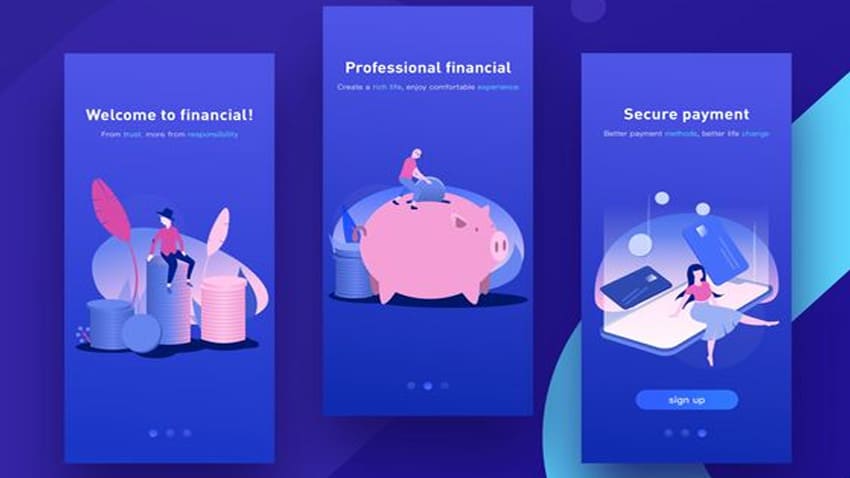
– Natural effects: Users can easily recognize the Material system thanks to their effects. Specifically, if you press on an element of a device, a wave effect will immediately appear on the screen at the position where you placed your finger.
– Surface effects: This effect will appear in case you perform page turning operations. The element will not disappear instead new pages will appear naturally and evenly.
– Clear sequence: If a Material is complete, it means its design system is arranged in a clear order. It can be understood that elements will appear first and unimportant elements will appear later. This will help users easily navigate. Look at the necessary and important things on the device.
– Evenly: Designs need to follow the same direction of movement to create an overall unity.
- Creation: For Material Design designs, creativity to create excitement is indispensable. Small details or an interactive action with a unique trend are the highlight that creates an overall highlight that increases the user experience.
Above is the basic information about the concept What is Material? in the field of design (Material Design), advantages and disadvantages of Material as well as its applications.
Epilogue:
Hope this article will help you understand What is Material? Material application in the field of design. Don't forget to register study graphic design of the center thereby improving your knowledge to help you have an overview and be able to design your own Material.