
What is Google Maps? It is an application that helps users more easily find addresses, see directions and track travel routes. It can be said that this is a super convenient application for everyone's life and those who love to travel in particular. Let's explore and find the answer to the question "What is Google Maps?" Please!
1. What is the Google Maps application?
It doesn't matter what Google Maps is. It is important that you know that Google Maps is a digital map service released by Google Corporation. It provides street maps by capturing aerial satellite images, thereby helping users get a panoramic view of real-time traffic conditions and plan routes for forms of travel such as: by foot, bicycle, motorbike, car, even by air.
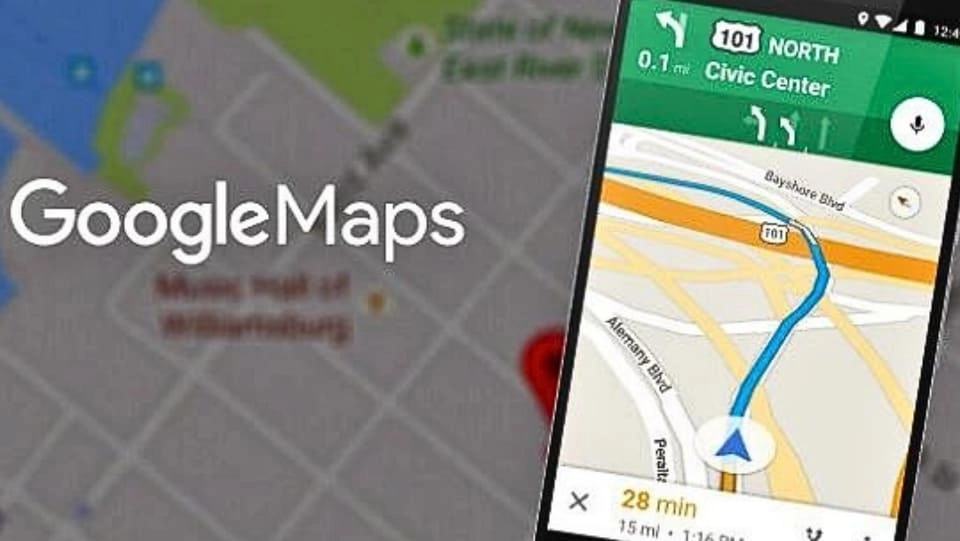
In the current 4.0 era, the birth of the Google Maps application has overcome the shortcomings of conventional paper maps and can completely replace paper maps. Many businesses have also promptly grasped that trend and applied the great utilities of Google Maps to develop online business.
>> You may be interested in:
- Cheap and effective Facebook Advertising service
- Cheap quality Google Ads service
- How to create Gmail and fix common errors
- What is google search console tool? How to install and use
- What is Google Sheet? Why should everyone use Google Sheets?
- What is Google Ads? From overview to detailed usage
2. Instructions for finding directions on Google Maps
Step 1: Turn on GPS positioning
Step 2: Access the link: https://www.google.com/maps or the Google Maps app on mobile devices and allow the app to access the speaker.
Step 3: Type the address name or street name you want to search for in the search bar, or click on the location directly on the map.
Step 4: Press Enter on the keyboard or click the icon Search.
Step 5: The small red pin that appears next is the place you are looking for.
Step 6: To receive more information related to the location you just found, click on the red pin on the map and select Direct. Thanks to that, you will see the route and give the most suitable directions from your current location to the location you just searched for.
To start getting directions, follow these steps:
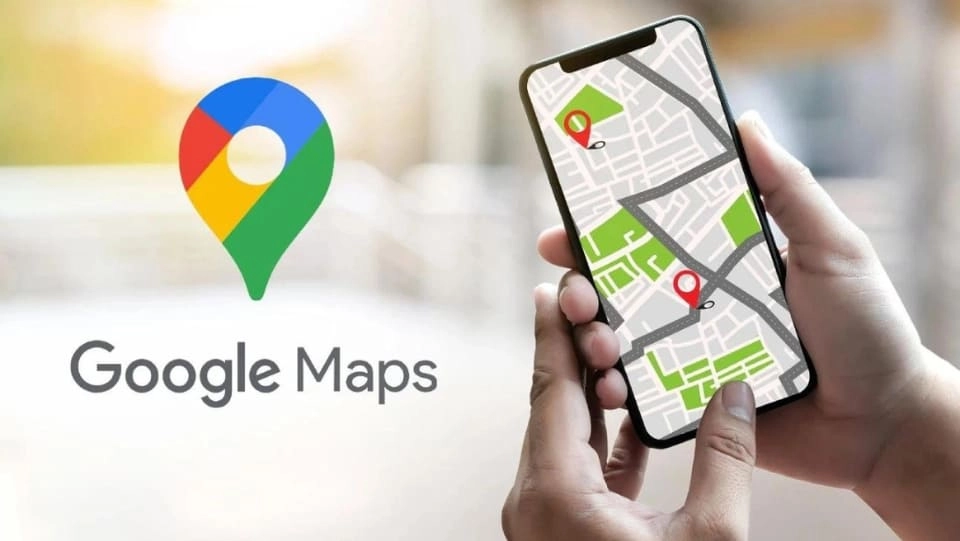
- Select the means of transportation to let the application locate the most suitable route.
- Check the box Begin appears on the screen to start following the directions.
- To stop Google Maps directions, scroll to the lower left corner and click Close.
- Other suggested routes (if any) will appear on the map (grey lines). If you want to go that route, click to change.
3. Discover the fun of Google Maps
In addition to finding directions and directions, the Google Maps application also has other interesting features that few people know about.
Can be used when there is no internet
You don't need to know what Google Maps is, but you must know that this application can be used without internet. This is a special feature of Google Maps that is extremely popular. To use, please follow these steps:
- Open Google Maps on your phone
- Sign in to your Google account
- Click your profile picture or initial on the Google Maps app
- Select Offline maps
- Select the map you want (you can zoom in and out the map size to select the exact area you want to download)
- Click Download
Voice control
This convenient feature helps users a lot while participating in traffic. It helps users feel secure in controlling the vehicle because they do not need to use their hands to operate the application.
Transit content widget
If you use public transportation to travel (bus, train, etc.), Google Maps will provide you with detailed information about bus routes. Thanks to that, you can completely understand the route of public transportation (bus stations, bus stations, time intervals for each route, etc.) to make traveling more convenient and safer.
Save and remember favorite places
To save favorite places when using Google Maps, do the following:
- Select the location you want to save on Google Maps
- Cilck on the icon Save
- Select the places you want to save by category: Favorites | Places you want to go | Starred places, or choose to create New save list
- Select Finished
Look up services near your area
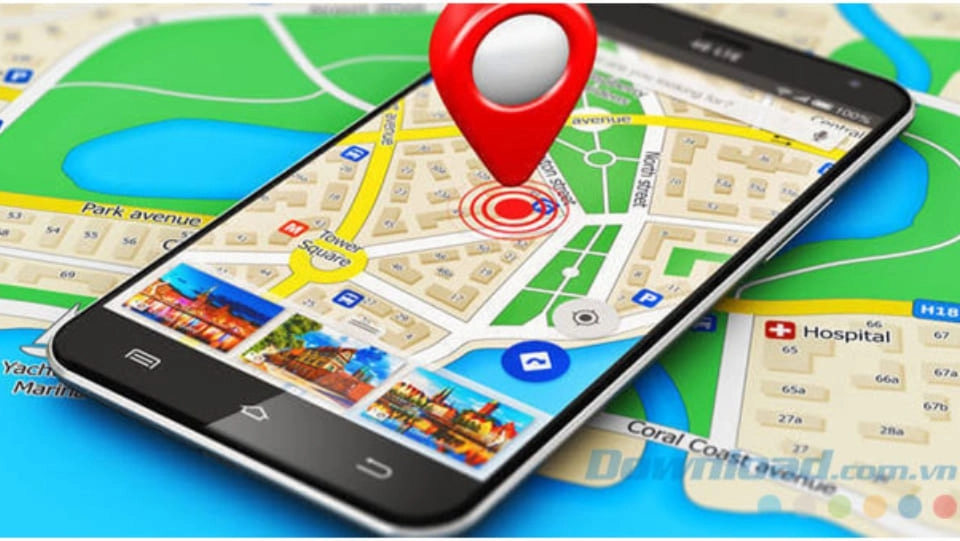
Google Maps can also help you look up popular services such as gas stations, restaurants, hotels, etc. near your area to save search time and make more convenient choices compared to traditional methods. system (ask passersby, walk around,...).
The steps to use this feature are simple as follows:
- Select a suggested category right below the search bar.
- Slide the screen left to select or tap the icon More to see the full directory of other suggested places.
Monitor traffic situation
You choose the item Traffic so that traffic images appear directly on the map through satellites. After that, road segments marked with different colors will appear. Below are detailed notes:
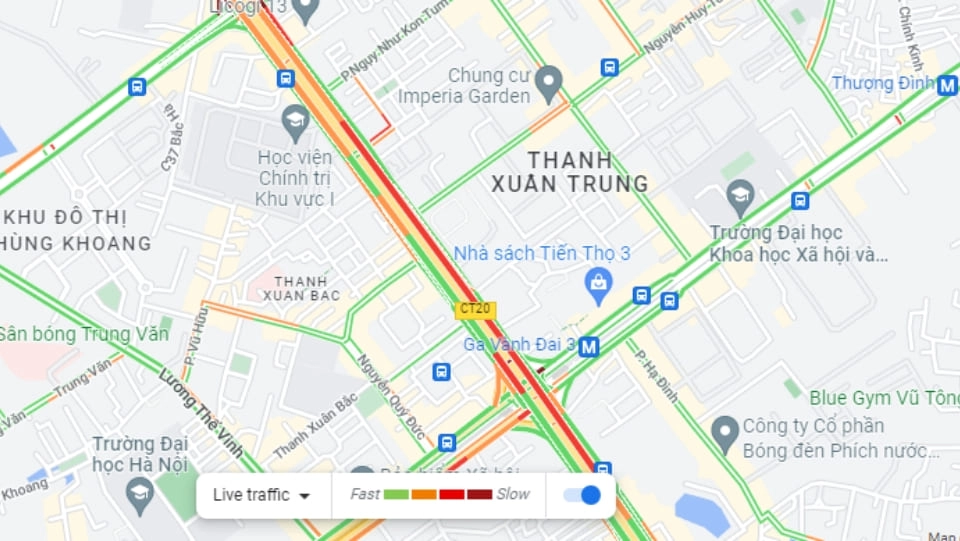
- Green: Traffic is good, no obstacles.
- Orange: Average traffic flow.
- Red: Traffic has problems. The darker the red color, the slower the traffic speed on the road.
- Gray/blue line: Shows your current route.
Locate your location
Google Maps has the ability to share your current location so you can easily know the exact location of your relatives and friends and vice versa.
4. Integrate Google Maps into the website
Benefit
- Users can easily search for the desired address and locate the location.
- Can quickly find directions starting from where the customer is standing to the desired location.
- When embedding Google Maps into your website, users can easily save the company address along with other features.
Operations
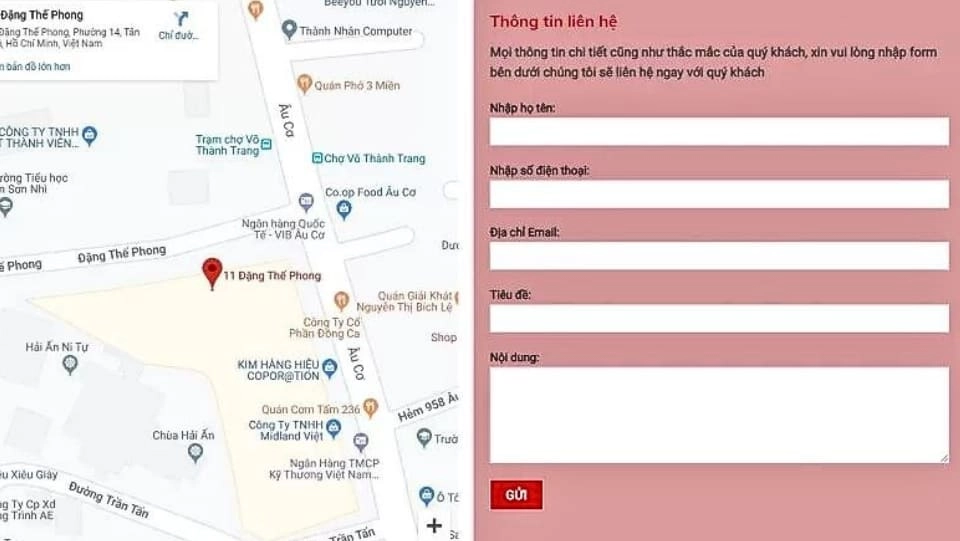
To quickly integrate Google Maps into your website, you can carefully review the steps below. If you are really "technology illiterate" and cannot do it, you should contact website design companies so they can perform the integration.
Step 1: Go to Google Maps at this link: https://www.google.com/maps/@20.9990098,105.8082467,15z.
Step 2: Type your company address right in the Google Maps search box.
Step 3: Click on the item Share & Embed maps (Share & Embed maps) to receive code on Google Maps.
Step 4: Copy that code and embed it on the website by clicking on the item Embed map (Embed maps tab).
5. How to create a business on Google Maps
If you already know what Google Maps is but don't know how to take advantage of it, it's a waste. To create a business on Google Maps, you just need to follow these steps correctly:
Step 1: Access the link: https://www.google.com/business/placesforbusiness/.
Step 2: Click the register button Get on Google.
Step 3: Log in to your Gmail account to start creating a map of your business on Google Maps. At that time, you will be redirected to the website https://www.google.com/local/business/add. Next, enter your company address. If it doesn't overlap with another business, add the business.
Step 4: Enter full business information including: business name, street, province, country, phone number, category, etc. After completing the above steps, you will receive a confirmation PIN code sent from Google. .
In case you want to edit the information displayed on Google Maps, go to edit address to make modifications.
6. Video instructions on how to create detailed Google maps
Conclude
After reading the above information, you probably have the answer to the question "What is Google Maps??”. Currently, Google Maps is very popular and almost everyone who uses a smartphone has this application. You should learn how to use Google Maps to make your trip more convenient and easier.
If you are a seller and want to quickly increase orders, please contact us at 5SMedia. With service Google advertising, Facebook advertising, Tiktok advertising reach people with the right needs. We guarantee that your orders will sell like crazy. At cost Google advertising, Facebook advertising Extremely preferential from only 5%. You will meet with consultants 24/7. Extremely effective advertising and support for image design, scripting, and strategies to run ads
Address 1: 05 Thanh Thai, Ward 14, District 10, Ho Chi Minh City
Hotline: 0965 165 166 or 0888 768 115
Fanpage: https://fb.com/5SMedia.net
Tiktok: https://tiktok.com/@5SMedia.net
Twitter: https://twitter.com/5SMedianet
Youtube: https://youtube.com/@5SMedianet
Email: infohowto.edu.vn@gmail.com


 EN
EN  VI
VI