
In the last few years, Business Google seems to have become a kind of online business license. Currently, Business Google is used by many businesses. If you are still struggling to figure out how to create a Google Business, or don't know how to use this tool effectively, this article is for you. Let's find out What is Business Google? Please!
1. Find out what Business Google is?
What is Business Google? Business Google is also known as Google My Business. This tool is provided completely free of charge from Google and helps users manage the visibility of businesses on both Google Map and Google Search.
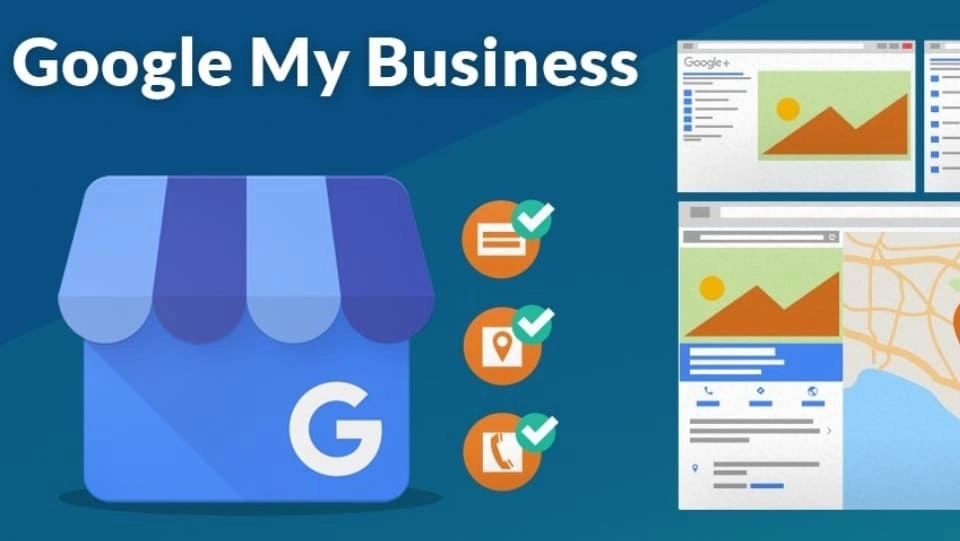
To put it more simply, every business will have an office, headquartered in a certain location, and Business Google's mission is to help your business connect with a group of potential customers in areas surrounding the office. . Because when there is a need, customers will often go to Google Maps or the Google search bar to search for the product, service, or business name they are looking for.
CONSULT NOW Prestigious - Professional Advertising Service:
- Cheap and effective Facebook Advertising service
- Cheap quality Google Ads service
- Cheap, professional Tiktok Advertising service
2. How to create a Google Business account
After understanding the concept of Business Google, 5SMedia I will guide you how to create an account on this tool.
Step 1: Access the link www.google.com/business/ > Select Manage now.
Step 2: Log in Google Account.
Step 3: Fill in all required information to successfully create a profile for your business > Select next to agree to the terms and privacy policy.
Step 4: Add your business's location so customers can easily search on Google Search or Google Map. After entering your address correctly, press next. Next, once again determine the location of your business on Google Maps. And if the business has branches, click here Yes, if not available then select No.
Step 5: Enter appropriate keywords about your business > Select keywords/categories Most correct in the menu. Although this step is important, don't worry too much because it can be adjusted later.
Note: You should choose 1 main category and use additional categories to help customers better understand your business's products/services.
Step 6: Users can add a contact method by selecting website link (if available) / phone number / both information is okay because Google allows it.
Step 7: Complete all registration information by pressing finish. And next, you just need to verify the location and you're done.
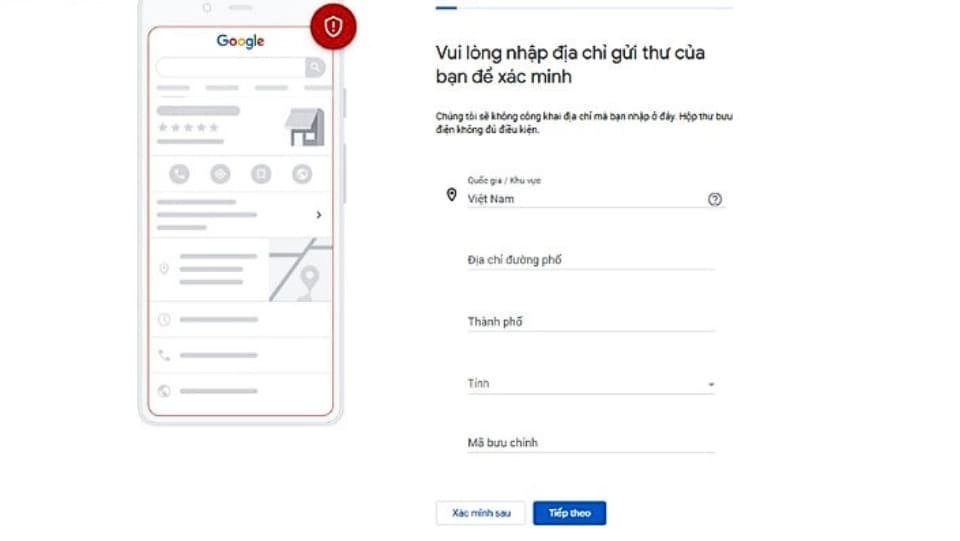
Step 8: There are many ways to verify your Business Google location after registering an account. You can view and choose one of the following ways:
- Verify by phone (receive text message or call directly).
- Verify manually by postal mail.
- Video verification.
- Verify by email address.
- Instant verification.
- Verified via Product Experts.
- Verify with My Business Providers.
- Batch verification.
3. What to keep in mind when verifying Google Business location via email?
If after 14 days your email inbox still has not received verification, please send an email requesting verification support to Google. And the tip to get a quick response is that you should write the email content in English with the following information:

- Clearly describe the problem you are having.
- Attach 3 actual photos of the business, including:
- A photo of the sign clearly showing the business name, phone number and address that matches the information the business has registered.
- 1 photo of the entire store/office, from a front angle.
- 1 photo taken inside the store/office.
- Real phone number so Google can contact you when necessary.
Note: The email address must be the unique domain name of the website that the business is using and owning.
4. What are the benefits of using Business Google?
When using the Google Business tool, your business will receive benefits such as:
- Manage business information more effectively
- Strengthen credibility in the eyes of customers
- Target the right customers
- Help your channel interact with customers more effectively
- Help customers quickly grasp information, thereby making more people aware of your brand
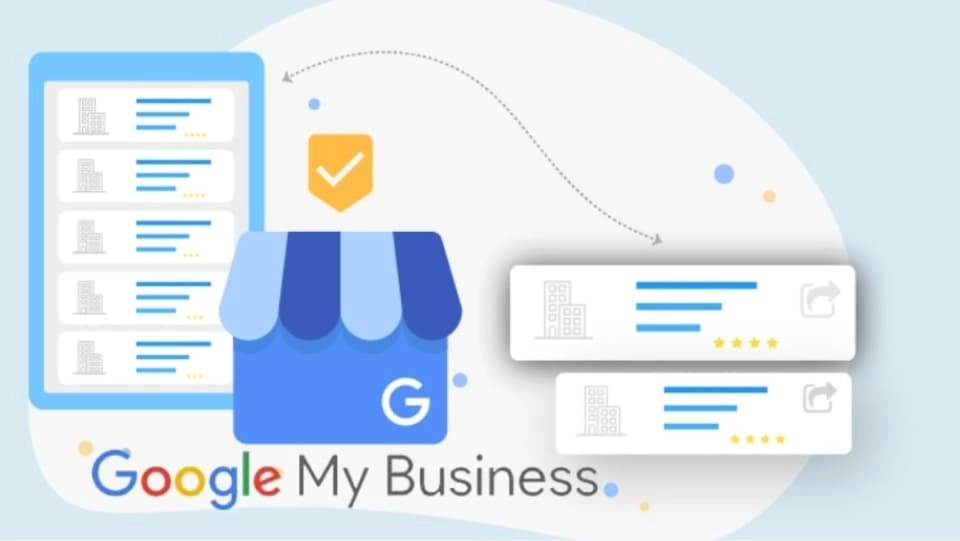
To increasingly optimize your business's presence on online platforms, you can refer to a few ways to optimize your business. Business profile as follows:
- Frequent Update business information your information: information such as phone number, address, product/service description, etc. often changes. And then businesses should quickly update information and make adjustments immediately.
- Provide and edit business information pages will help your overall company to be complete in terms of content and visually attractive. This creates a good impression on guests.
- Customer response: Being silent about customer comments and feedback will only make things worse. Respond to customers respectfully and politely so they feel that you truly care about their experience. This method not only makes customers satisfied right away, but also helps your business "win points".

- Online Advertising (Google Ads) is the most practical way to expand your business presence. And certainly at this step you have to "bear the cost".
- Improve article quality to meet SEO standards Help your business get higher search rankings. This means more customers will see your business. From there, your website will increase visits and purchase rates.
5. Common errors when marking business locations
While marking a business location on the Business Google tool, many businesses often make the following common mistakes:
- Entering incorrect/missing information such as: address, category, sometimes providing incorrect transaction time.
- Entering a business name that is too long, does not clearly state keywords or brands.
- Choosing the wrong company location, causing the address on Business Google to not match reality.
- Fill in incorrect names such as: product/service name, province name, street name, etc.
6. Frequently asked questions about Business Google
Can a business set up multiple Business Google accounts?
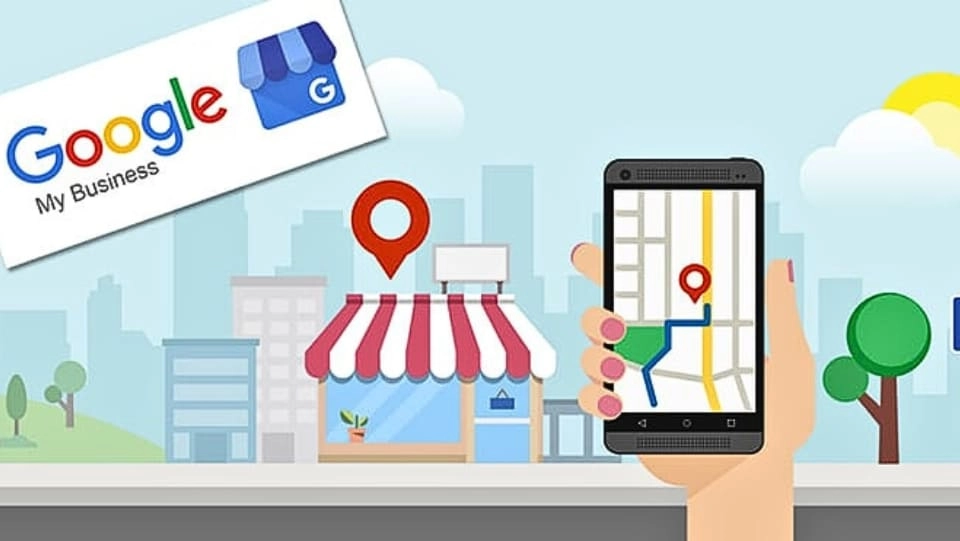
According to Google's recommendation, each business should only create and use a single Google Business account. This is for verification process Business profile as quickly, easily and accurately as possible.
In addition, if the business you own has many branches and you are fully qualified to prove that those branches belong to your business, do not verify each location individually, do mass verification.
Where is business profile displayed?
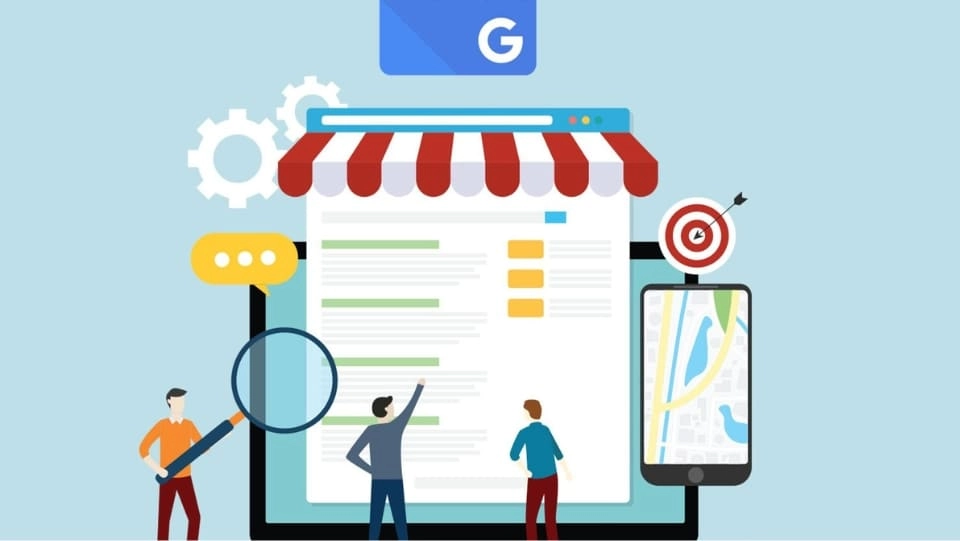
Business Google users can search their business profile on Google by going through geolocation search results with related keywords, search results on Serps, results displayed on Google Maps .
Conclude
5SMedia shared with you how to register an account Business Google as well as tips to optimize when using this tool. And what Business Google is, you will understand after reading the above article. Hopefully you will know how to use this tool effectively to bring benefits to your business.
If you are a seller and want to quickly increase orders, please contact us at 5SMedia. With service Google advertising, Facebook advertising, Tiktok advertising reach people with the right needs. We guarantee that your orders will sell like crazy. At cost Google advertising, Facebook advertising Extremely preferential from only 5%. You will meet with consultants 24/7. Extremely effective advertising and support for image design, scripting, and strategies to run ads
Address 1: 05 Thanh Thai, Ward 14, District 10, Ho Chi Minh City
Hotline: 0965 165 166 or 0888 768 115
Fanpage: https://fb.com/5SMedia.net
Tiktok: https://tiktok.com/@5SMedia.net
Twitter: https://twitter.com/5SMedianet
Youtube: https://youtube.com/@5SMedianet
Email: infohowto.edu.vn@gmail.com


 EN
EN  VI
VI