
Instructions for designing eye-catching professional catalogs
Are you having trouble figuring out how to display your products visually to shoppers? You want to learn about catalog design and tips to become a "professional catalog designer". In this article, we will guide you how to design the most professional and eye-catching catalog!

General information about catalogs
Designing a systematic catalog will bring many good impressions to customers. You should find out What is a catalog? before designing.
Catalog is an advertising system published by many companies or stores to provide image information and product introduction information to shopping customers. In addition, a professional catalog also helps shoppers gain more objective perspectives on the products that businesses are offering.
The purpose of the catalog is to promote and introduce the products that the business is releasing and target shoppers. Through many forms such as online or direct store systems to bring customers the most beautiful and eye-catching images of products.
To promote product images in the most professional and realistic way, businesses aim to design a systematic catalog that will bring many impressions to customers. From unique information, attractive content will make customers pay more attention to the product.
See more.
- What is a Catalog? 10 Most Professional Catalog Design Software
- HOW TO camera raw in photoshop version 14.3
Elements to create a professional and eye-catching catalog
So to create a professional and eye-catching catalog, you need to rely on decisive factors such as layout construction, image management and communication content. Join us to learn about each factor below.
Image management

Beautiful images create professionalism for a professional catalog
Images are the first element that creates a catalog and determines customer orientation. First of all, a beautiful and attractive image will easily enter the viewer's eye and make the visitor feel the most impressed. Creating a beautiful image determines whether customers need to read more about the product content or not.
For images that are top-notch and bring deep impressions, customers will more easily notice the products that need to be promoted. Instead of having to read unnecessary lengthy content, customers will choose beautiful images to look at and feel more practically.
The important thing is that the image quality must have high definition, guaranteed quality, and beautiful photography. Therefore, when creating a catalog, you must carefully choose the images to create professionalism in designing an eye-catching catalog.
Content conveyed
Reasonably creative catalog content will impress customers

You have a beautiful and impressive image, the content is equally important in designing a professional catalog. Don't be rambling, lengthy, don't create vague content, instead the brief description covers the main introductions of the product.
The arrangement creates the main content and briefly shows the most concise descriptions for the product. That represents exactly the parts that businesses want to convey to customers to create impressions and appeal of each product.
Build layout
Arranging and building a layout to create a professional catalog is one of the important factors when you have content and images. From there, it creates many deep impressions for customers when looking at the product.
Customers will easily remember and be impressed by the segments and the way the two elements of image and content are combined together. From there, customers will always have an objective view and pay attention to the advertised product.
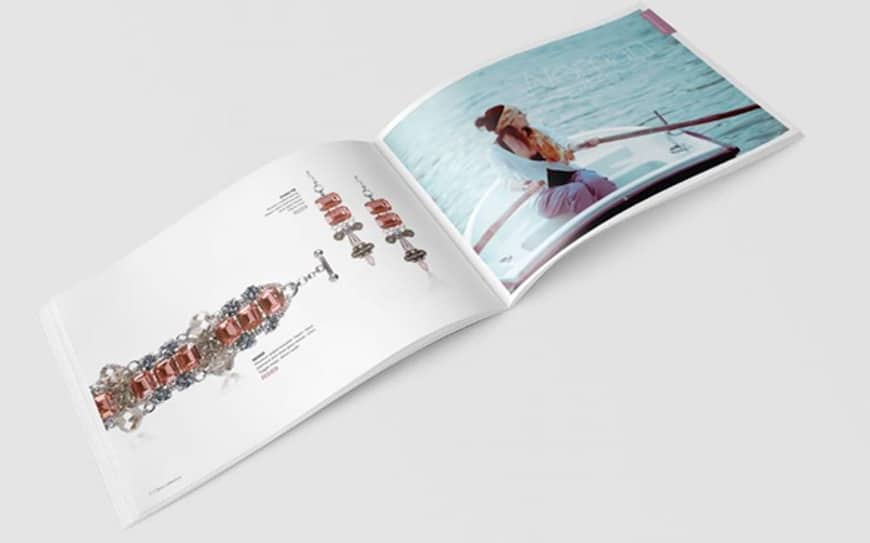
A clear layout will create a delicate eye-catching look
Instructions for designing a professional and eye-catching catalog
Catalog design always requires creativity and intelligence to keep up with current developments and marketing trends. Let's learn the steps to create a professional and eye-catching catalog.
Step 1. Choose color and content
Color images and content create a main theme that helps the product become more special in the eyes of customers and creates a unique brand for businesses. Use elegant, youthful, vibrant or fun colors depending on the industry and services the business requires. Each color and image choice will represent the products they need to represent.
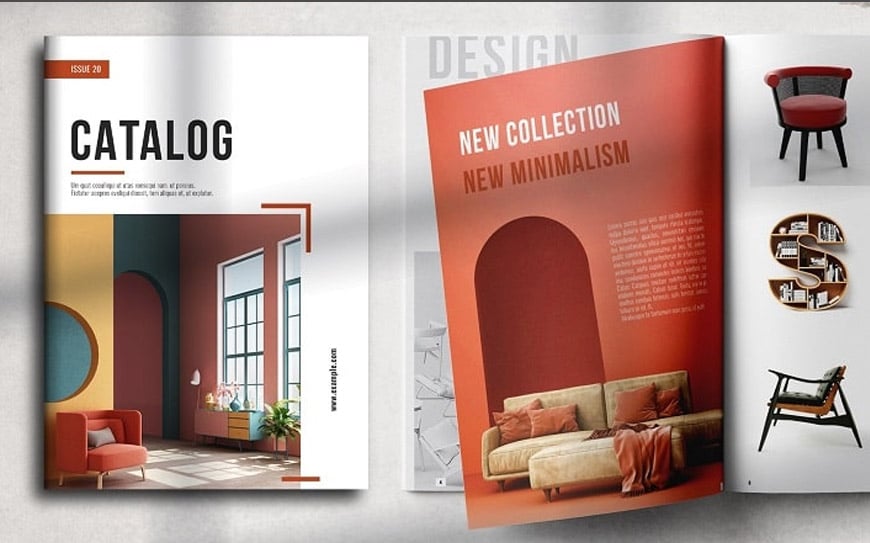
Flexible combination of content and images
Step 2. Design the font
To design a catalog, you can choose many different fonts to represent each conveyed content. Creating a suitable font will create professionalism for each product you want to present. Beauty, eye-catching or flexibility will make customers feel inherent professionalism.
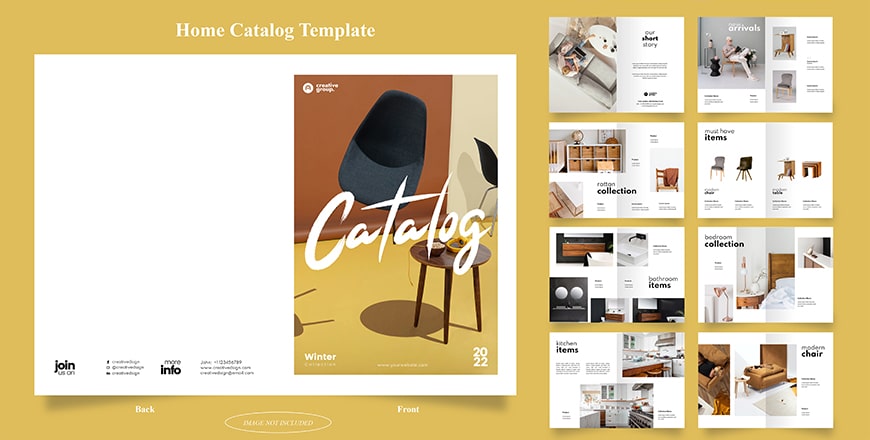
With the right font, the catalog is eye-catching
Download this catalog file here
Step 3. Be creative and build a reasonable layout
Design is creative so you just need to create reasonable information and appropriate layout. Give customers a sense of professionalism, eye-catching, impressive and memorable for each product you want to convey.

Reasonable layout creates a professional catalog
Step 4. Create images
The core thing that creates and determines all customer curiosity about the product is the image. For the purpose of promoting products, beautiful, high-quality, sharp images are the main points that attract customers' eyes.
Creating and choosing beautiful images is the most essential thing in the process of designing a professional catalog. The most important thing is to make sure the image is suitable and connected to related content to create the most unique and attractive publication.

The more beautiful the image, the more it attracts the attention of customers
Step 5. Create attractive description content
Creating product descriptions is an important part of designing a professional and eye-catching catalog. You need to create main ideas to show the features, offers or uses of the product to be promoted.
To attract customers with the advantages that your product brings, you need to create the most suitable content. Customers looking at images and reading more attractive content will be the main decision for whether customers are impressed with the product or not.
The benefits, price, features or uses of the product will be the factors for customers to take the most specific action. The content communicated is what customers want to see most when looking at a catalog with beautiful and eye-catching images.

Catalog is where products are best promoted
Epilogue
Above are these Instructions for designing professional catalogs and eye-catching to help you have the most necessary information in designing a catalog. Create for yourself the most creative and impressive design.
Good luck! Do not forget follow Facebook channel us to update the latest information.
Giving you some beautiful Catalog samples, see details here Beautiful catalog file 1, Beautiful catalog file 2, Beautiful catalog file 3