
Gradient is an important tool in design, allowing to create unique effects and attract viewers. A gradient is a combination of two or more different colors to create a seamless gradient from top to bottom or left to right.
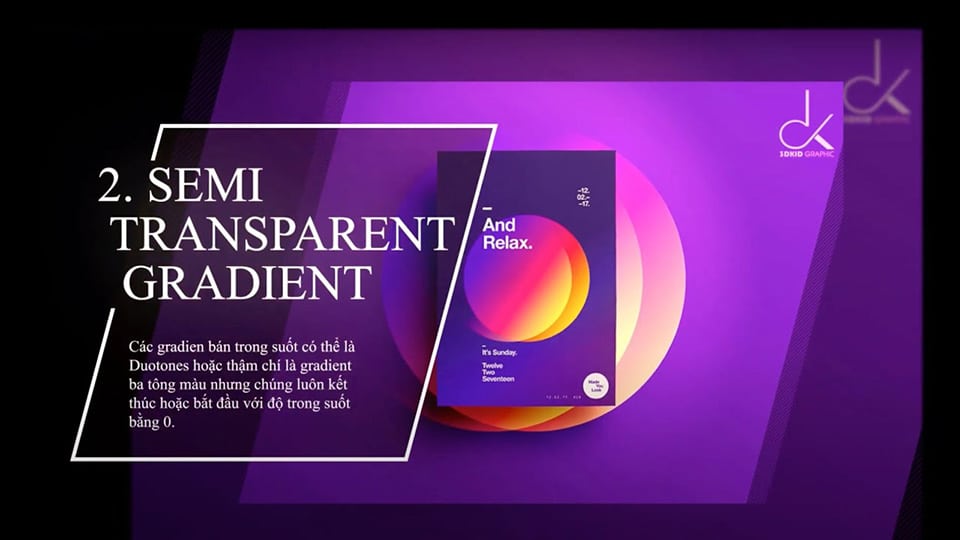
How to use gradients in design Matching will make your product very unique. Gradients in design are a way to create unique color effects and attract viewers. You can use the Gradient feature available in design programs or create gradients manually to customize and adjust the gradient to suit your design.
Nowadays, you will see Gradients integrated more and more into advertising campaigns such as in web interfaces and or brand communications. This article will share with you not only general information about Gradients but also how to vary them to create unique photos and promote your publications. Learn about it with the User Guide How to use gradients in design Please
- Packaging design trends
- Detailed instructions for smoothing skin in Photoshop
- How to create snow in Photoshop is extremely simple
- What is Photoshop? How to learn Photoshop effectively and quickly
#1: Overview of Gradients
In design, How to use gradients in design is a technique that uses multiple colors mixed along a certain gradient to create a smooth color effect and gentle transitions between colors.
Gradient techniques can be used in many design applications, including:
Website background: Gradients are used to create beautiful and attention-grabbing website backgrounds. Gradients can be applied over the entire background or over a portion of the background, depending on the design purpose.

Gradients for banners and graphics: Gradients are also used to create banners, logos and other graphics in graphic design. The Gradient technique helps create smooth and attention-grabbing color effects for these graphics.
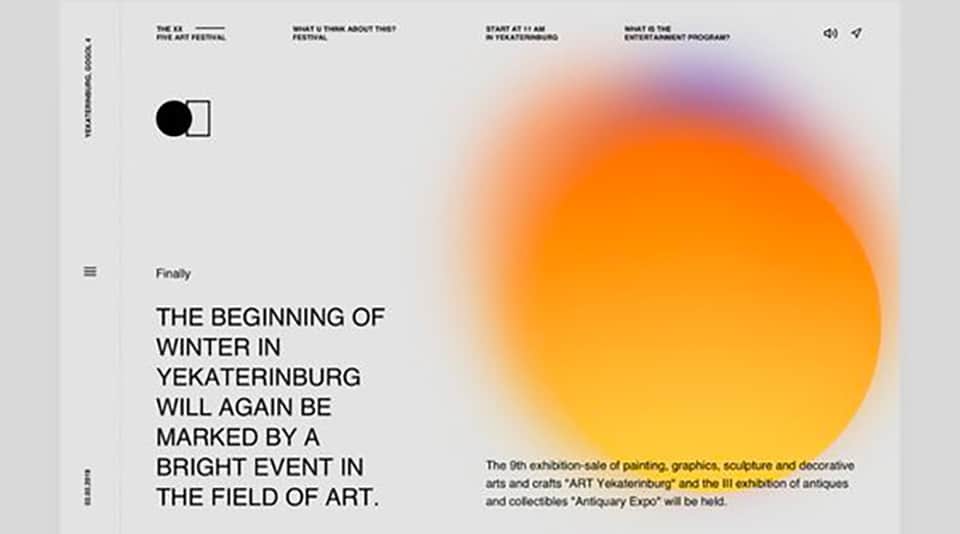
Gradient for product design: Gradients are also used in product design, including packaging and product design. Gradients are used to create attractive images and unique color effects for products.
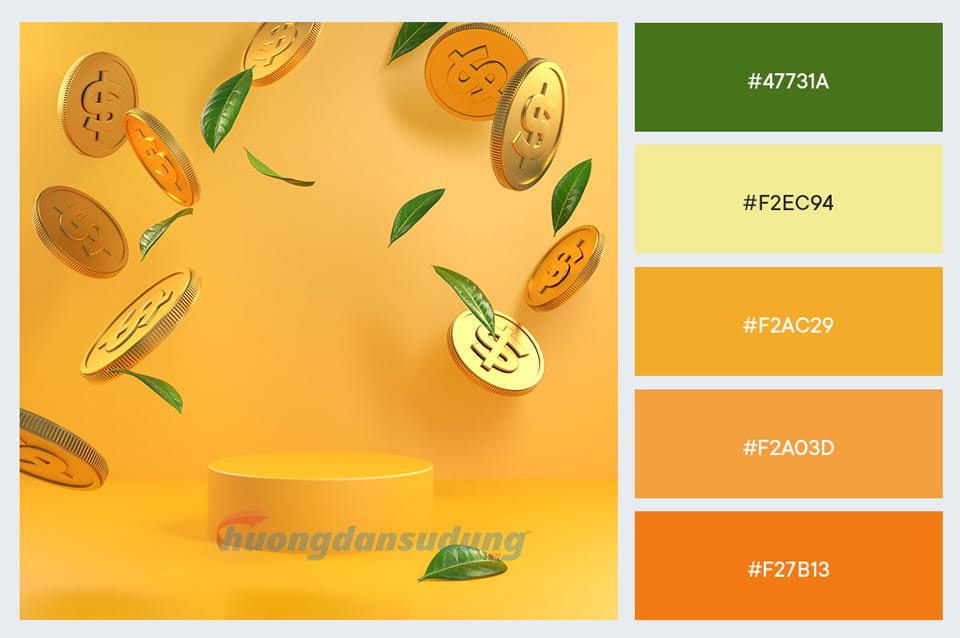
When using Gradients in design, it is important to mix the colors properly to create a smooth and attractive effect. This makes an important contribution to promoting your publication greatly
#2: How to create Gradient?
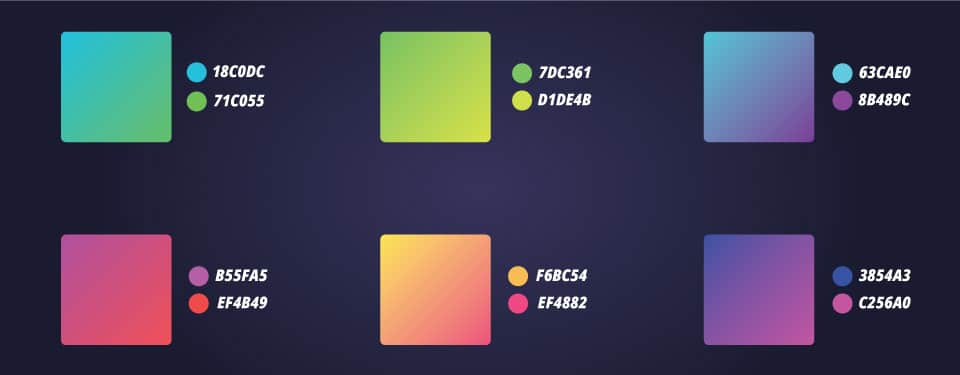
How to use gradients in design extremely simple. Gradients can be created by Use graphic design tools like Photoshop or Illustrator, Corel or use online tools like:
Color Hunt: The site offers a collection of colors designed for use in graphic design and website projects. This website has thousands of color sets categorized and organized by category, such as pastel colors, dark colors, bright colors and more. Each color set includes 4 to 5 different colors selected together to create a harmonious and aesthetic combination.
Color Hunt lis one of the famous websites that provide color palettes Diverse and professional gradients
Gradient Hunt: Similar to Color Hunt, Gradient Hunt contains thousands of Gradient color samples arranged in categories such as newest, most popular, random as well as arranged in both Linear and Radial modes. Gradient Hunt's interface is also very simple, you just need to go to the website and hundreds of gradient color strips will appear before your eyes.
#3: How to take advantage of and optimize Gradient
CREATE DEPTH IN SHAPES AND ATTRACTIVE FOR READERS: We can take advantage of gradients for 2D shapes, creating light and dark spaces to make them appear more prominent and eye-catching.
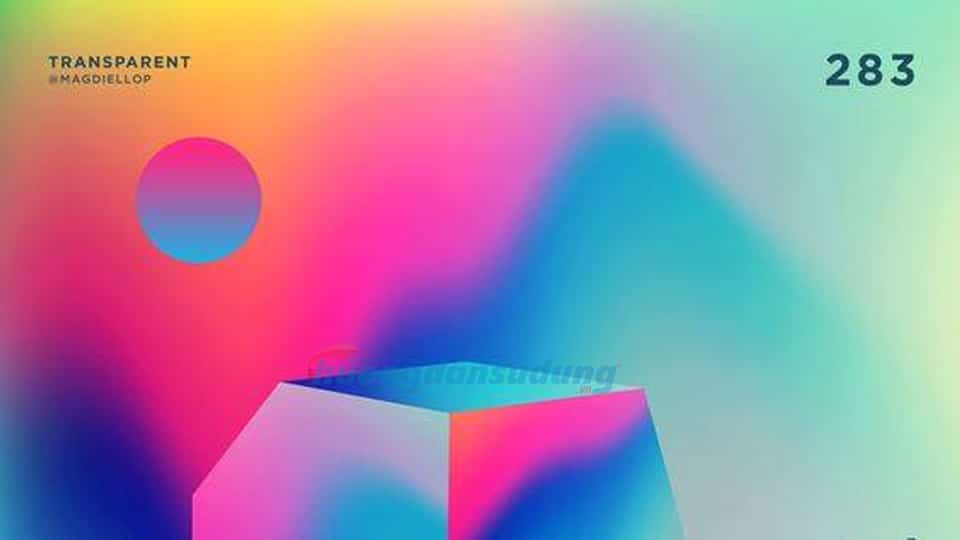
GRADIENT BRINGS ALCHEMIC EFFECTS: The metallic gradient effect is still popular and is often seen in Art Deco design style. We can create this effect by using a gradient color range with many alternating light and dark shades.

GRADIENT APPLIED TEXTURE: A favorite and widely used texture recently is Grain. For Illustrator, we can create Grain in the Effect - Texture panel, and with Photoshop, we can also create Grain using Brush.

As you can see How to use gradients in reasonable design will make your work much more beautiful and outstanding.
MAKES THE TYPOGRAPHY SECTION MORE POPULAR: Although people still prefer Illustrator, a software that does not specialize in 3D design. But people are still creative to find ways to create publications with depth thanks to Gradient.
CREATE OVERLAY FOR PHOTOS: With Blending Modes, we can create color overlays for images even in Illustrator and Photoshop. Furthermore, in Photoshop there is an extremely interesting Gradient Map tool that you should try. One of the designs we can create using this method is the Duotone effect.
CONCLUDE
Above are the How to use gradients in design to create more impressive and unique publications. Try varying and creating them to create your own unique media/advertising products!
HOW TO always wants to share knowledge and accompany you in the vast field of Graphic Design. Don't forget to follow our Blog and Fanpage to update news, tools, and design trends in the near future!