
Facebook Help Center is the place that will support Facebook application users when they encounter problems during use. It is inevitable that users will face problems such as accounts being compromised, identity verified, or disabled. Invite you along 5SMedia We explore ways to get in touch Facebook help center to solve the problems.
1. How to ask Facebook help center
a. Fix Facebook errors related to Facebook account access
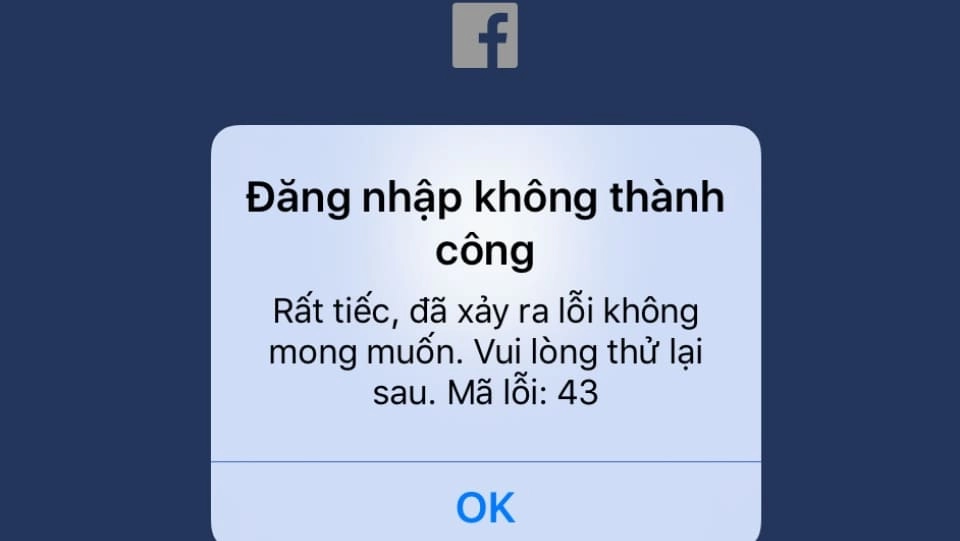
The most common problems related to accessing Facebook are the following errors:
- Access Restricted error: is a notification about restricted access, which usually appears when you are accessing Facebook from an IP address associated with a carrier with incorrect configuration. To fix this problem, you can try logging out and trying to access again.
- Personal Data Requests error: it was an error related to personal data requests. To resolve this issue, you need to visit the team page Facebook support to learn how to recover your personal data if it becomes inaccessible.
See more: How to set up security for Facebook to avoid worrying about being hacked
b. Fix disabled Facebook account
Next is the disabled account error. With this problem, there are many cases that occur in many different forms as follows:
- Account Disabled – Ineligible error (Facebook has been disabled – Not eligible) : Now what you need to do is access the address Facebook support to promptly send a report if there is any confusion about your account being disabled. In case you have other questions or cannot access the above link, please access the link Facebook support to search for related content to support.
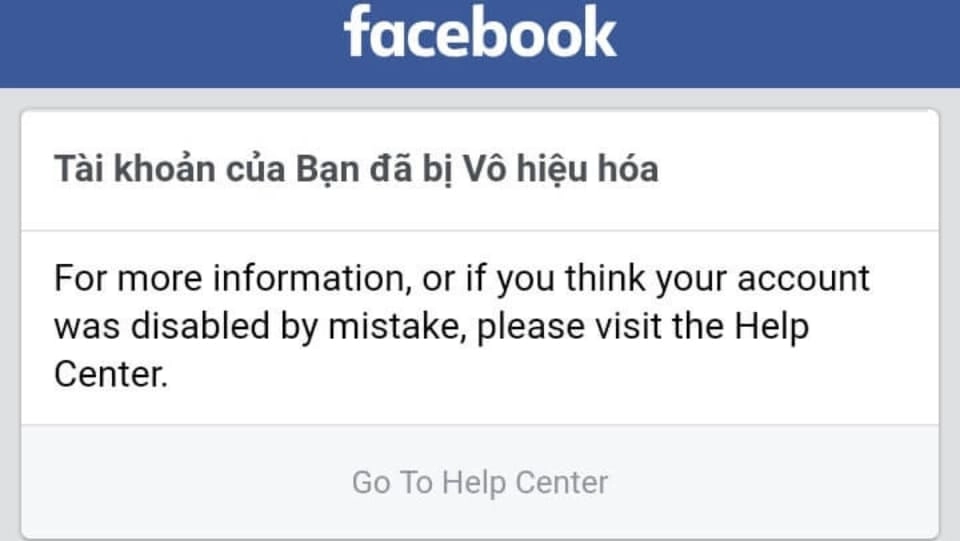
- Facebook error Account Disabled – Multiple Accounts: This error appears when users log in to multiple accounts. If you are currently accessing another user's Facebook account, please access the link Facebook support to provide information as instructed in the request form.
- Facebook error Disabled – Underage This is an error when the account holders are not of legal age. Because Facebook has a user age requirement of 13 years or older, when you do not meet this requirement, your account will be temporarily locked. On the contrary, if you are really old enough, please click age verification to resend your age verification information.
- Facebook error Disabled Account Appeal – ID Request: Your account will be disabled and ID required. If you want to reactivate your account, you must perform identity verification as required by Facebook by accessing the link. Confirm identity with Facebook to fill in information to verify that your Facebook account is yours.
- Facebook Impostor Account error is an error when your Facebook account has been impersonated. To send a report and report a fake account, just click Report fake accounts
- Facebook error my Personal Account was Disabled: Your personal account has now been disabled. In case you think Facebook has disabled it by mistake, please visit it My personal facebook account has been disabled Fill in the necessary information and submit the appeal to wait for Facebook to process. You will need to fill in email Display name exactly as shown on the account
- Report fake accounts with high priority: please click on the link Report fake accounts, then enter the URL of the fake Facebook account you want to report.
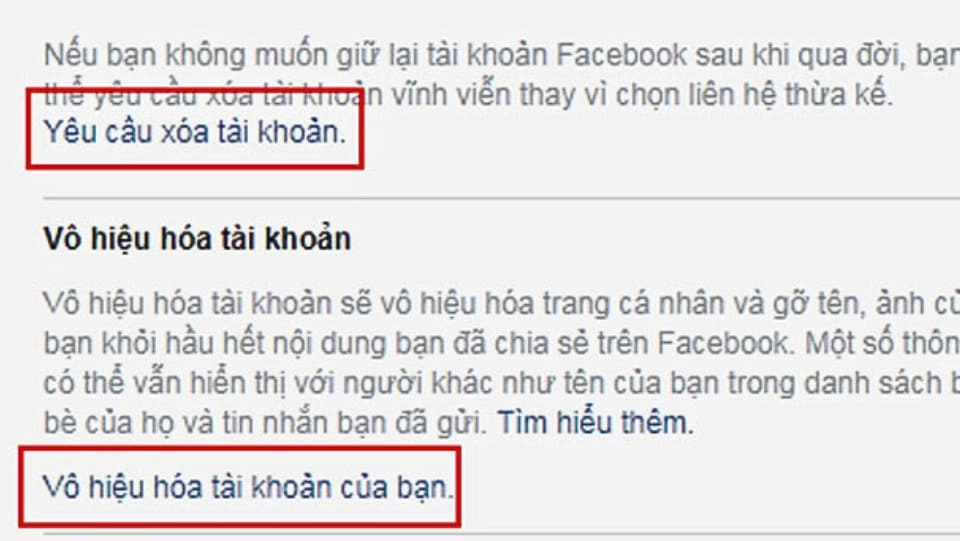
- In case you are not healthy enough to use the account or you know the account owner has passed away, please follow the link Request account deletion for people who do not meet health conditions hey:
c. Fix Facebook related to registration email
The next error that people often encounter is errors related to email addresses. To ask for help from the center Facebook support, please do the following:
- If you don't receive an account confirmation email while you're troubleshooting your Facebook account confirmation issue, you can visit My personal account has been disabled team Facebook support and start filling out the form in the link.
Note: All information related to your account must be accurate and images must be clear for quick approval.
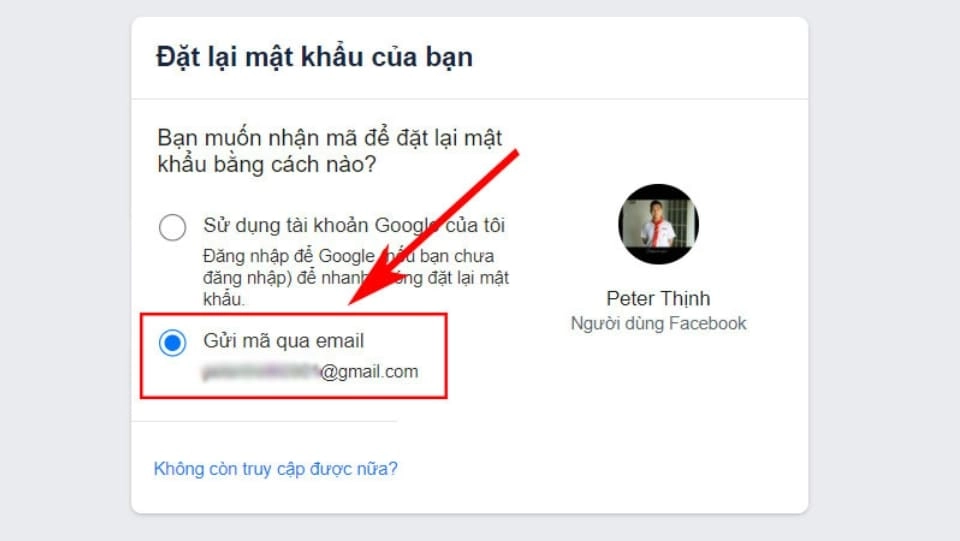
- In case there is a Facebook account linked to your email, but that email is not yours, you need to follow Instructions for recovering Facebook account to promptly report that account.
- When you create a Facebook account with a brand new email address but Facebook reports that that email address has already been used to register, please go to the link Fix login issues Learn more to fix this problem.
d. Fix Facebook related to Facebook Ads
If you are someone who often has to run ads on Facebook, you may have encountered problems such as: Ads deducted money without interaction, unable to add tags, or camp has not been approved but still deducted money... To fix these problems, you need to follow these steps:
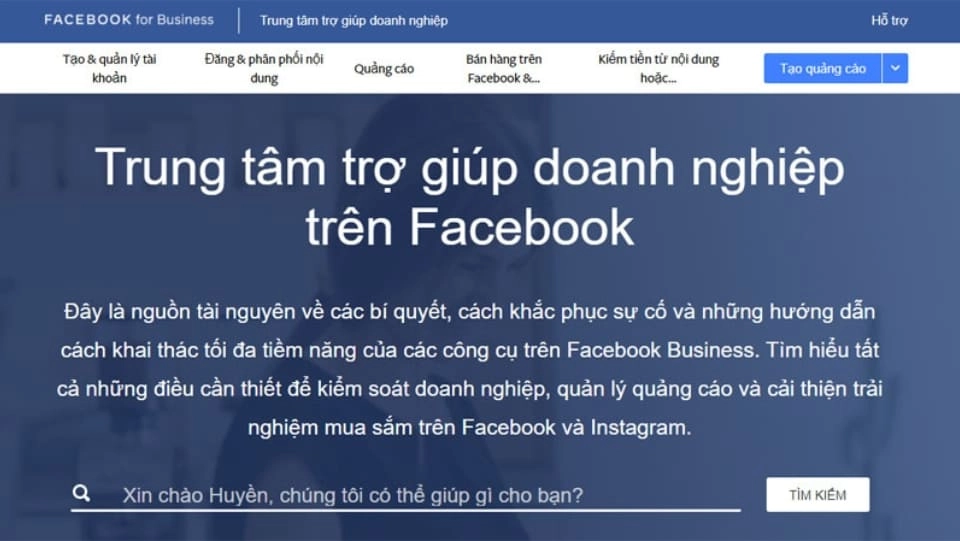
Step 1: First, visit the link: Facebook support for individuals and businesses and select items Business help center to get help.
Step 2: Select contact form with Facebook. In the Vietnamese market, you can choose to contact via email. Then, choose the correct problem your advertising campaign is facing, explain the problem in detail and wait for Facebook to review it, which usually takes about a few days to a week.
The links you can access quickly.
- About advertising restrictions
- Create an advertising account on Facebook
- I think my Facebook Page was taken over or hacked by someone.
- Fix problems that occur when creating an ad account
- About Meta daily spending limits
- Fix restricted account issue
- How to deposit money into your advertising account using the prepaid fund method
- How to add a payment method to an existing ad account
- Fix missing payment method issue
- Change Facebook Page name
- Troubleshoot disapproved ads
- What to do if your ad or cryptocurrency app is rejected
- Why are some ads approved and then rejected?
- Troubleshoot disapproved ads
e. Facebook error occurs with Fanpage page
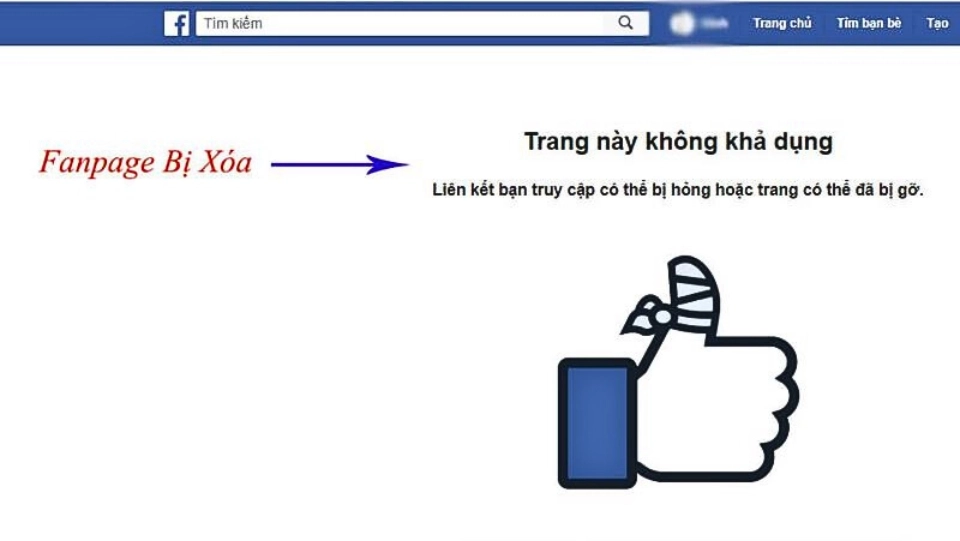
Step 1: Log in to Facebook
Step 2: Access the page Report a problem about the Facebook page
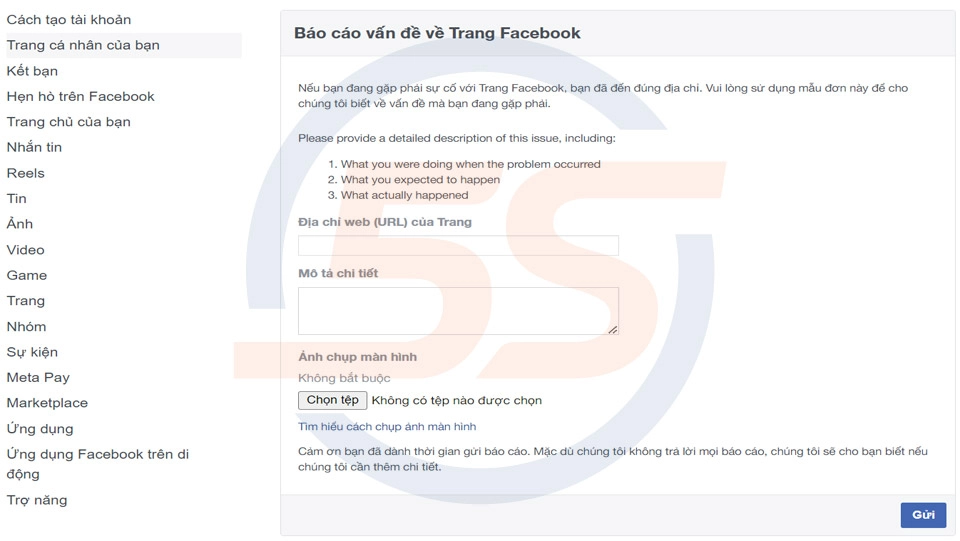
Step 3: Copy and paste the link URL of the Fanpage page > Describe in detail the problems happening with your Fanpage > If possible, you can take a screenshot of the description and send it up
Step 4: Press Send to Facebook support.
2. Important notes when reporting to Facebook help center
When reporting to the Facebook help center, you need to keep in mind the following issues to make reporting effective and quick:
- Question description The problem you are facing is one way clear and detail As much as possible, if possible, it should be included Screenshots of steps to serve as evidence, and at the same time make it easier for Facebook to handle.
- Please contact Facebook support on business days from Monday to Friday, avoid weekends as staff will respond slowly or not at all.
- If there is an error related to your account and you are asked to provide personal information, you can do so by providing a photo of your identification document (with a clear photo). For example: citizen identification card, driver's license, passport...
- Currently, Facebook has Vietnamese employees in the support team, so when contacting the Facebook help center, you can use Vietnamese to describe the problem easily.
- You can provide any personal information that Facebook needs to verify your identity, such as your address and license number.
3. Instructions for sending a report when there is a problem with your Facebook account
a. How to send reports by phone
Step 1: You can use your phone's browser to access it Facebook support or access at intersection Facebook's main interface > Click on the 3-line icon.
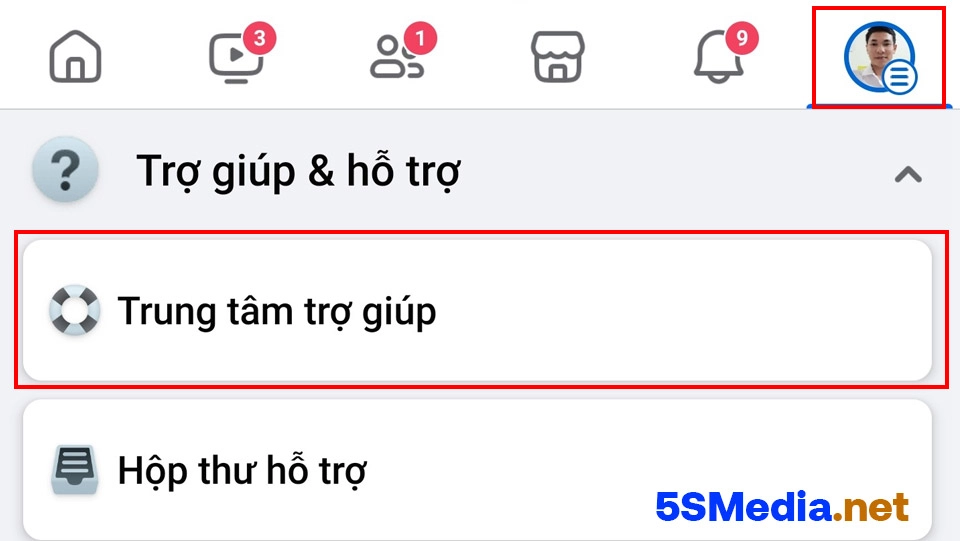
Step 2: Select next Support center.
Step 3: Click report problem.
Step 4: Select item Continue reporting.
Step 5: Click Feature you want to report. Enter all information about the problem, if accompanied by a photo of the problem, even better.
Step 6: Click Send to send a crash report and you're done.
b. How to send a Facebook crash report using a computer
Step 1: On the Facebook home page, select the triangle icon in the upper right corner.
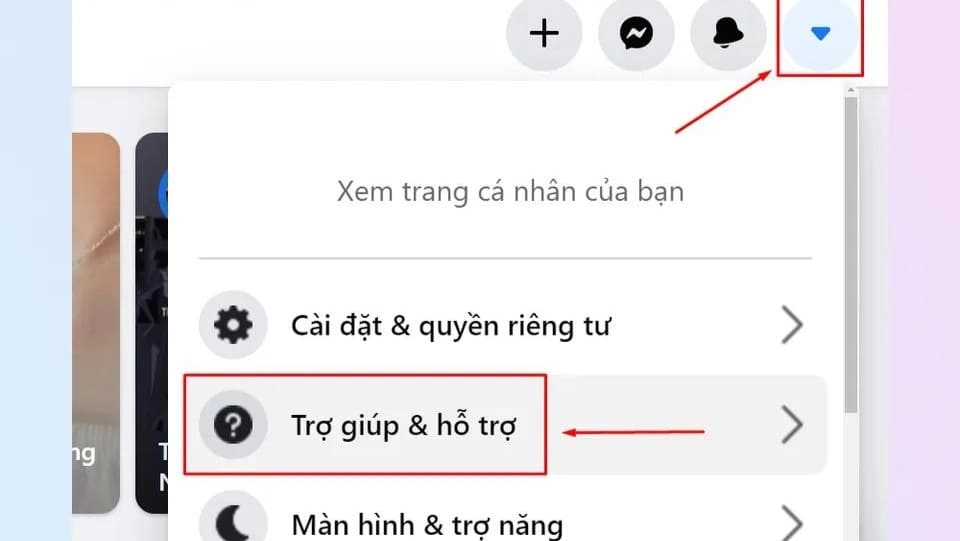
Step 2: Continue, select the item Help & support.
Step 3: Click report problem.
Step 4: At this step, you click Error! An error occurred. Please try again later.
Step 5: Select the location where the problem occurred, along with a detailed explanation. If possible, please send more screenshots and click Send to Facebook and wait for their team to handle it.
Conclude
Hope this article is about Facebook help center, Facebook support, Facebook errors The above has provided you with really useful information when using the social network Facebook.
If you have any problems that you cannot resolve yourself, please get in touch Facebook help center right. Note that please send detailed and transparent description information to receive the best support.
Also we have services Facebook Ads & service Google Ads If you have a need, please support us.
For further information, please contact
Address 1: 05 Thanh Thai. P14. Q10. Ho Chi Minh City
Hotline: 0965 165 166 or 0888 768 115
Email: infohowto.edu.vn@gmail.com